 CurbSnap
Snap or import
Photograph a van, bandit sign, business card, or printed roster. Or bring in photos and spreadsheets you already have.
Android · coming to Google Play
CurbSnap turns photos of roadside signs, work vans, business cards, and name/phone lists into a private address book. You snap (or import) a picture; the app reads the text into contact fields, then you review, fix with tap-to-assign from the photo, and file people into Books. It stays separate from your phone Contacts until you choose to export, and it supports mass text/email plus backup.
Placeholder shots from a real curb snap (a mini-split sign). A wide drive-by frame is hard to read; a tight crop, then Re-read photo, fills the contact cleanly. Better promo photos come later.
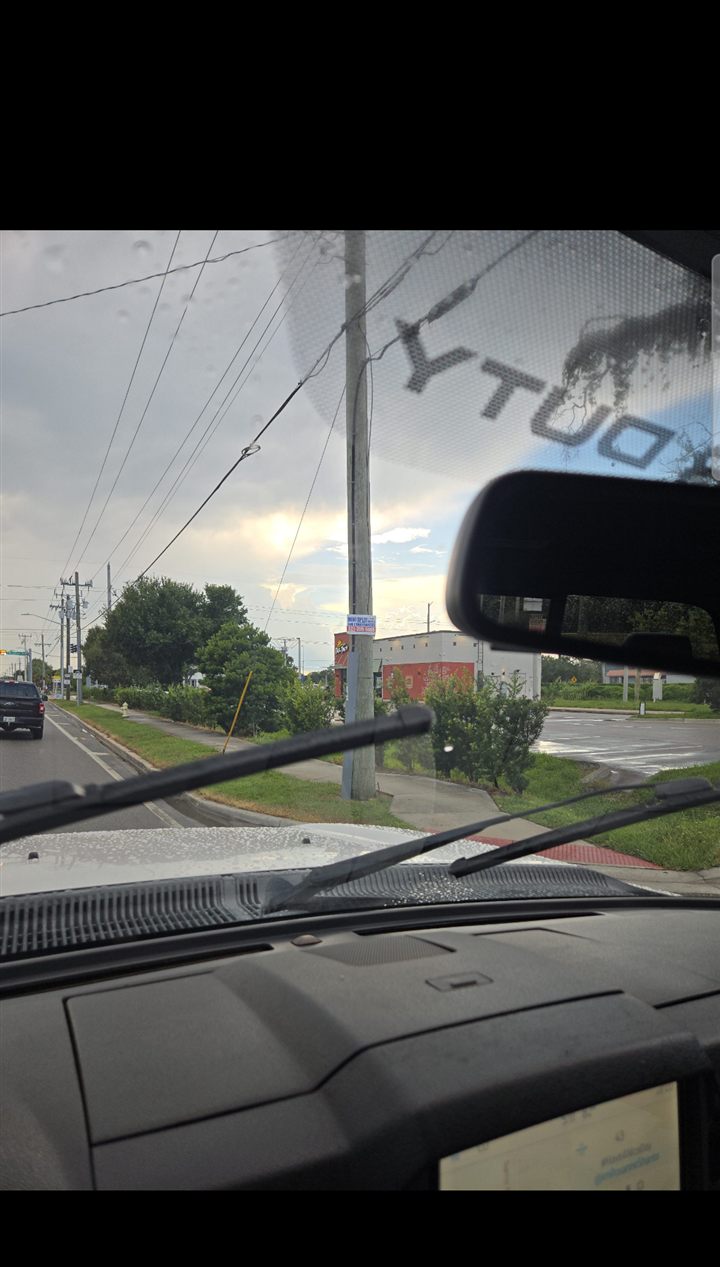

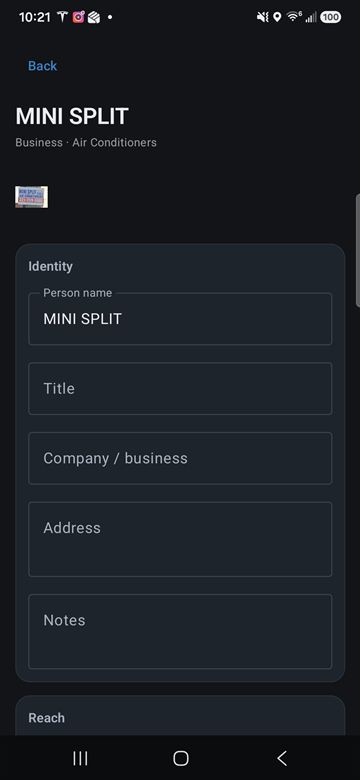
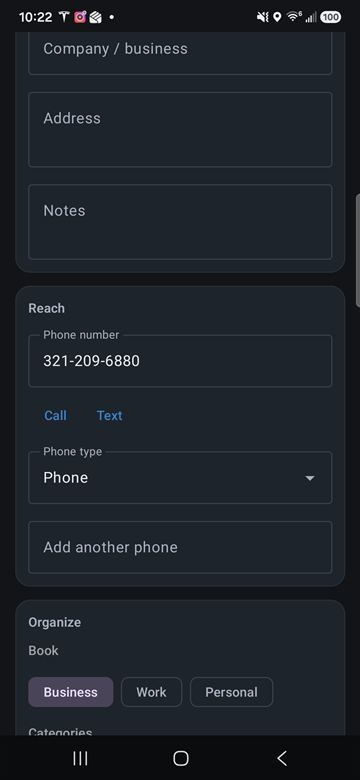
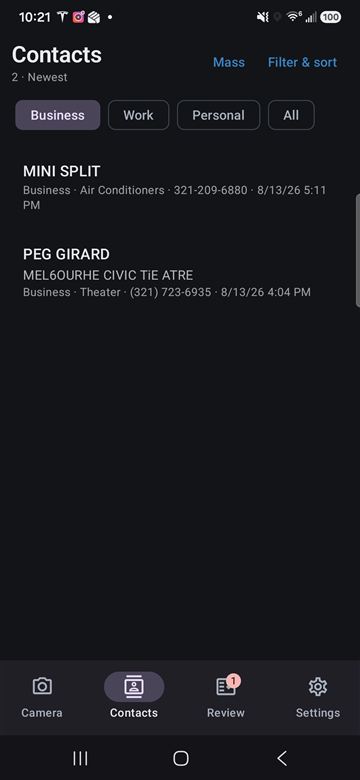
Shutter first. Organize later. Text from the photo can finish after you lock the phone.
Photograph a van, bandit sign, business card, or printed roster. Or bring in photos and spreadsheets you already have.
The app fills name, phone, email, address, and similar fields from what is on the picture.
When the frame is messy, crop to the sign or card, then re-read. Tap lines from the photo to fix fields without retyping.
Keep Business, Work, and Personal separate. Export to phone Contacts only when you choose.
Built for drive-by capture and the pile of photos that used to sit in the camera roll.
The shutter saves the photo and a draft contact immediately. Reading the text can finish after you lock the phone.
Keep the original. Crop the working photo. Re-read so a distant sign becomes clean contact fields.
A roster or name/phone list can become many contacts. Each person gets their row; you still have the full sheet.
Assign name, title, company, phone, email, address, notes, or a category without retyping the card.
Reach a category from the curb book without copying numbers out. Add to the phone book in a batch when you are ready.
Android backup for contacts and settings. Optional zip copy. Photos travel on phone-to-phone transfer.
Photos and contacts stay on the device unless you export, back up, or later opt into Team features. There is no public listing yet; this page is the product home and the privacy URL for Google Play.